

What is Canva?
Canva is primarily a content creation tool, but it can complement social media management with its features. Its primary strength lies in designing content to power your social media strategy or marketing campaigns.
Here’s all you can do with Canva:
- Social Media Graphics: Posts, stories, banners, covers, and ads for platforms like Instagram, Facebook, Twitter, and LinkedIn.
- Marketing Materials: Flyers, posters, business cards, brochures, and email headers.
- Presentation Slides: Sleek, professional slides for business or personal use.
- Branding: Logos, brand kits, and templates.
- Content Scheduling (Limited): Canva Pro allows you to directly schedule posts to platforms like Facebook, Instagram, and Pinterest.
- Templates: Pre-made designs help maintain consistency in branding for social campaigns.
- Video editing for creating short clips or reels.
- Collaboration tools for teams to design and edit together.
- Document creation, including infographics and resumes.
Canva is easy to use, even for beginners. It offers thousands of customizable templates, and you can upload your own images and graphics to include in your designs.
How do I use Canva?
Let’s get you started with an Introductory video to Canva.

After you have signed up with Canva, start by exploring its library of ready-made templates for different projects, like social media posts, flyers, or presentations. Pick a template that matches your goal or create a design from scratch.
Once you’ve created your first design, take some time to explore Canva’s advanced features to enhance your skills. Learn how to customize colors, fonts, and layouts to match your brand or style. Experiment with animations and effects to make your designs more engaging.

How do I get set up?
- Sign up for a free Canva account with your email, Google, or Facebook.
- Log in to see the dashboard with templates for social media, presentations, and more.
- Pick a template or start with a blank design.
- Add text, images, or graphics to customize it.
- Download your design or share it online.
Getting started is that simple!
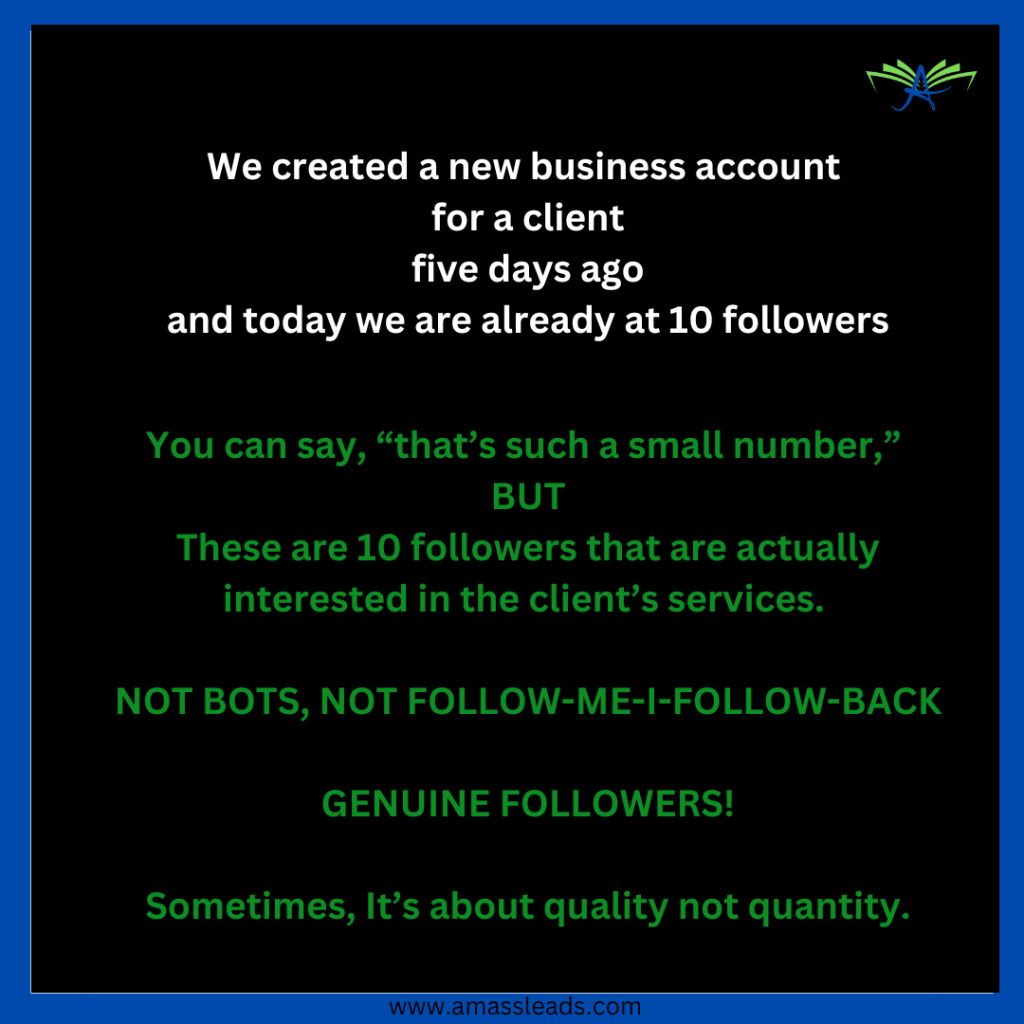
A QUICK TIP ABOUT SOCIAL MEDIA MANAGEMENT
What do I do If I need more help with Canva?
If you need further help or guidance, sign up with this form for a 45-minutes free consultation to support your business needs or simply send an email to us at admin@amassleads.co.uk for your tech support needs.

Leave a Comment